About Tennis Ace Game
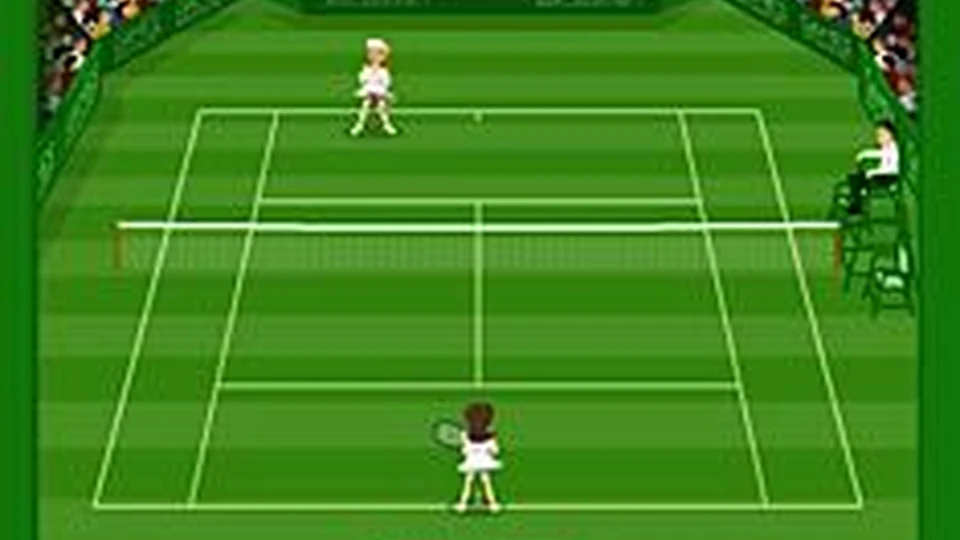
Tennis Ace gives you a player-selection screen, a choice of court surface and an original tennis court to play on. It is the older GamesArcade / Miniclip version, with its original menus intact. If you have not used its control scheme before, Practice is the useful place to begin rather than learning everything during a match.
The original practice option introduces play step by step. Follow it long enough to connect movement with the timing of a return, then carry those basics into a match. Getting near the ball is only part of a rally; the next useful position matters too. After returning a shot, watch where the opponent can send it back instead of staying beside the edge of the court where the previous exchange ended.
How to Play Tennis Ace Game
Win points and rallies on the tennis court using the original game’s movement and stroke controls.
- Open Practice first if you are unfamiliar with the game.
- Follow its on-screen control instructions step by step.
- Choose a player and court surface when you are ready for a match.
- Move into position for the ball, make the return and recover toward a useful position for the next exchange.
Controls
| Input | Action |
|---|---|
| Original Practice tutorial | Introduces the movement and stroke inputs in this version. |
Click or tap inside the game before using the keyboard. The fullscreen button below the player gives you more room; the restart button reloads the game.
Tips for a better round
- Finish the basic practice steps before judging your first competitive rally.
- Think about where you will stand after a return as well as where you want the ball to go.
Questions About Tennis Ace Game
Can I learn the controls before a match?
Yes. The original menu includes a step-by-step Practice option.
Can I choose a court?
The recovered version includes a surface-selection screen.