About Q Beart Game
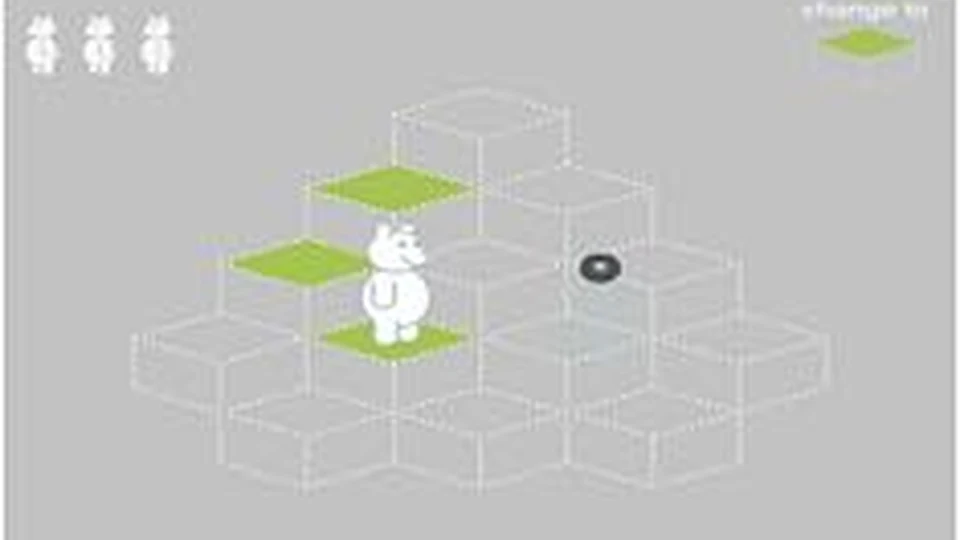
Q Beart turns a small isometric board into a route-planning problem. The bear changes squares as it hops across them, and your aim is to bring the board to the target green colour. A neat path is useful, but it cannot ignore the balls and other hazards moving through the same space.
The edges deserve as much attention as the enemies. A hop off the playfield costs you, so work out what an arrow-key press will do before trying a quick escape. On an unfamiliar board, concentrate on moving between safe squares first. Then begin linking those moves into a route that reaches the remaining colours without repeated detours. This file is the original q*beart v1.0, identified by its 2000 title screen, rather than a newer game with a similar name.
How to Play Q Beart Game
Change the board’s squares to the target green colour without falling off or colliding with hazards.
- Choose Ready to play on the opening screen.
- Use the arrow keys to hop between the isometric squares, observing how each input maps to the board.
- Visit the squares that still need their colour changed and keep clear of approaching hazards.
- Stay within the playfield, especially when changing direction near an outside edge.
Controls
| Input | Action |
|---|---|
| Arrow keys | Hop between the board’s squares. |
Click or tap inside the game before using the keyboard. The fullscreen button below the player gives you more room; the restart button reloads the game.
Tips for a better round
- Leave yourself a safe neighbouring square before moving close to an edge.
- A slightly longer clear route is preferable to a short path occupied by a falling ball.
Questions About Q Beart Game
What colour am I trying to make the board?
The source instructions identify green as the target colour.
Can I jump off the board to escape a hazard?
No. Leaving the playfield results in a fatal fall.