About Stickman Sam 3 Game
Sam is a stick figure with a gun, but his third adventure has more buttons than that description suggests. Stickman Sam 3 combines side-view shooting with movement and interactions: you can kneel, pick things up, grab and use objects, jump, and walk. Moving Sam and aiming his weapon are separate jobs.
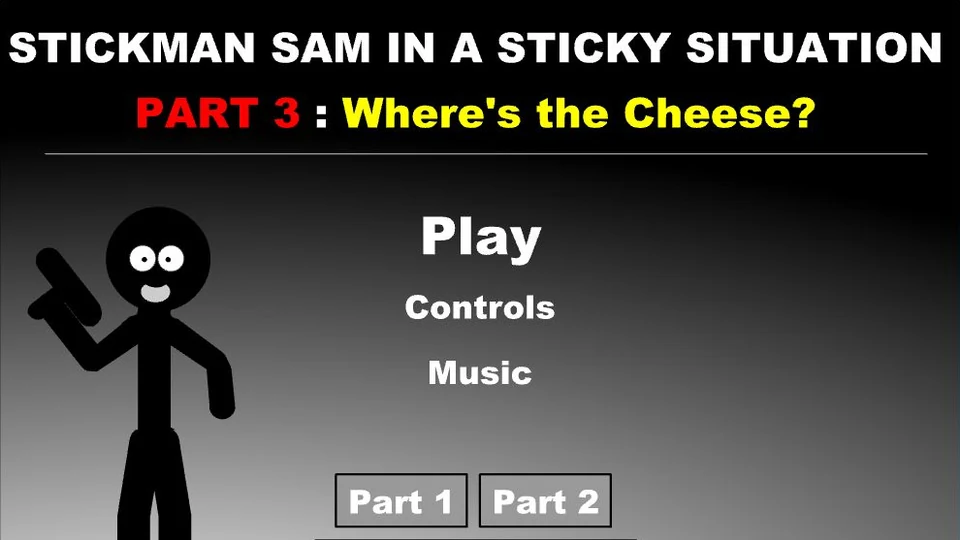
The title screen calls this chapter Where's the Cheese? and credits Istvan Orosi. Crazy Monkey Games describes it as a new mission with additional weapons and abilities. The plain stick-figure style keeps Sam easy to recognise; the control list is where much of the game's detail lives.
There are separate keys for the map and inventory, too. If you're used to an action game that only needs movement and fire, take a moment to learn those. It is much easier to consult the right screen than to keep guessing at a route or an object. The original Controls menu also lets you change key assignments.
How to Play Stickman Sam 3 Game
Work through Sam's mission using movement, shooting and the available interactions rather than relying on fire alone.
- Open Controls from the main menu and check the assignments. These are the defaults; a changed assignment takes precedence.
- Use A and D to move. Space jumps, while Shift lets Sam walk. Keep the mouse free for aiming.
- Aim with the mouse and click to fire. Use E and Q to move between available weapons.
- Use S for kneeling or picking up and W for the up, use or grab action when the situation calls for it.
- Consult the map with 2 or the inventory with 3. Pause with P if you need time to check a control.
Controls
| Input | Action |
|---|---|
| A / D | Move left or right. |
| S | Kneel or pick up. |
| W | Up, use or grab. |
| Space / Shift | Jump / walk. |
| Mouse / left click | Aim / fire. |
| E / Q | Next / previous weapon. |
| 2 / 3 | Map / inventory. |
| P | Pause. |
Click or tap inside the game before using the keyboard. The fullscreen button below the player gives you more room; the restart button reloads the game.
Tips for a better round
- Practise moving in one direction while aiming in another. Your mouse doesn't have to follow the direction of travel.
- Check the interaction keys before deciding that an object cannot be used. Picking up and using are assigned to different keys.
- If the defaults feel awkward, change them in Controls before settling into the mission. Write down any changes to the map and inventory keys.
Questions About Stickman Sam 3 Game
Who made Stickman Sam 3?
The original title screen credits Istvan Orosi and io3creations.
Is aiming handled with the keyboard?
No. The original setup pairs keyboard movement with mouse aiming and a click to fire.
Can the keys be changed?
Yes. The Controls screen says to click an existing assignment and press the key you want to use instead.