About Sudoku Original
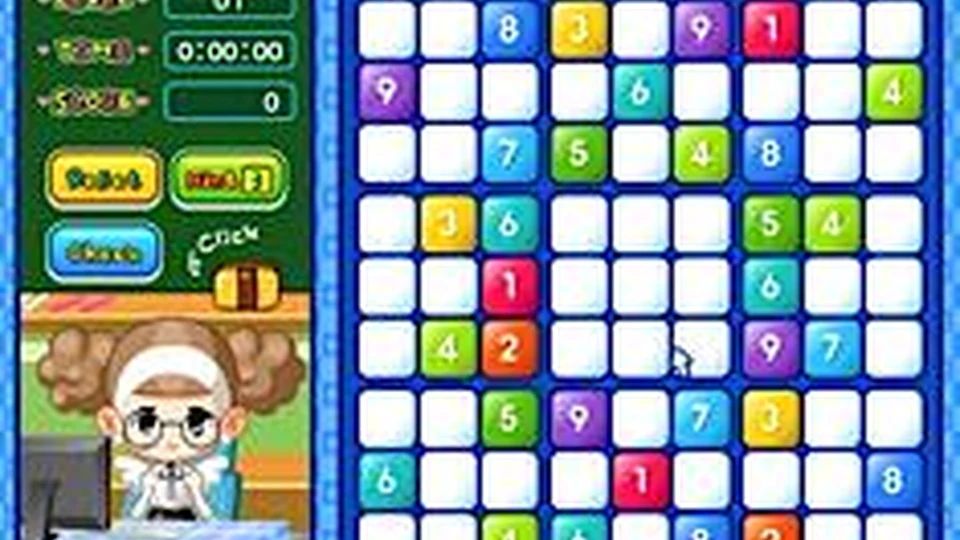
Sudoku Original keeps the familiar number puzzle at the centre of the screen. Fill the nine-by-nine grid so that each row, column and three-by-three box contains the numbers 1 to 9. The fixed clues constrain the empty squares; a placement has to agree with all three groups it belongs to.
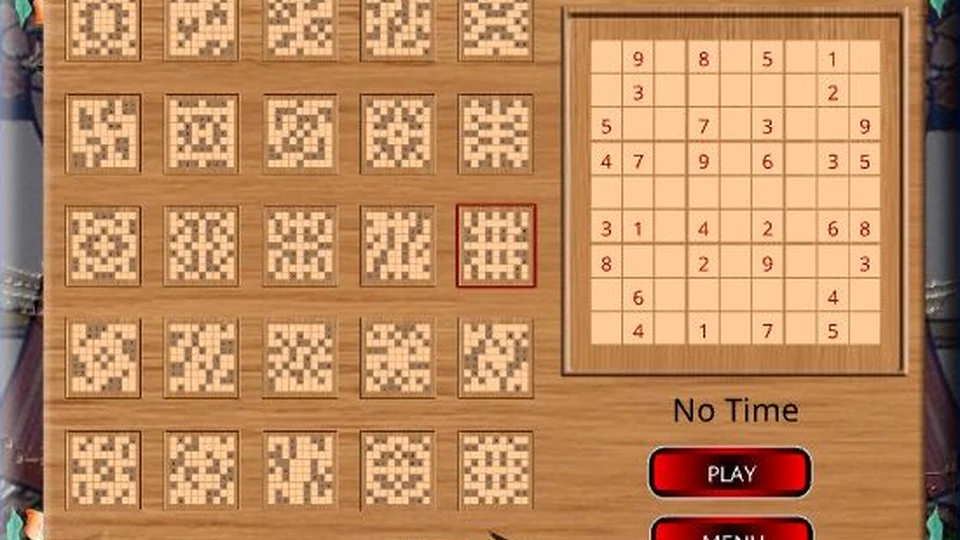
The original 2DPlay menu leads to puzzle previews, and the game includes a Hint feature. Select the square where you need help before requesting it. That gives the hint a specific purpose instead of using it merely because the whole board looks difficult. When working without help, try a nearly complete box or row first. A single confirmed number there can remove a possibility from several other squares. This page covers 2DPlay’s Sudoku Original rather than the separate Angel Sudoku edition.
How to play Sudoku Original
Complete the grid without repeating a digit in any row, column or three-by-three box.
- Choose Start, then select a puzzle from the original puzzle-selection screen.
- Study the fixed clues and pick an empty square.
- Enter a number using the game’s input panel after checking its row, column and box.
- If you need a Hint, select the square you want help with before pressing the hint control.
Controls
| Input | Action |
|---|---|
| Mouse and number-entry interface | Choose squares and enter numbers. |
| Hint | Request help for the selected square. |
Click or tap inside the game before using the keyboard. The fullscreen button below the player gives you more room; the restart button reloads the game.
Tips for a better round
- Finish a group with few gaps before guessing in a wide-open area.
- If an entry creates a repeat, review the uncertain choice rather than treating the fixed clues as changeable.
Questions about Sudoku Original
Who made this Sudoku edition?
The recovered title screen identifies 2DPlay.
How do hints know where to help?
Select a square first, then use Hint.