About KingStory
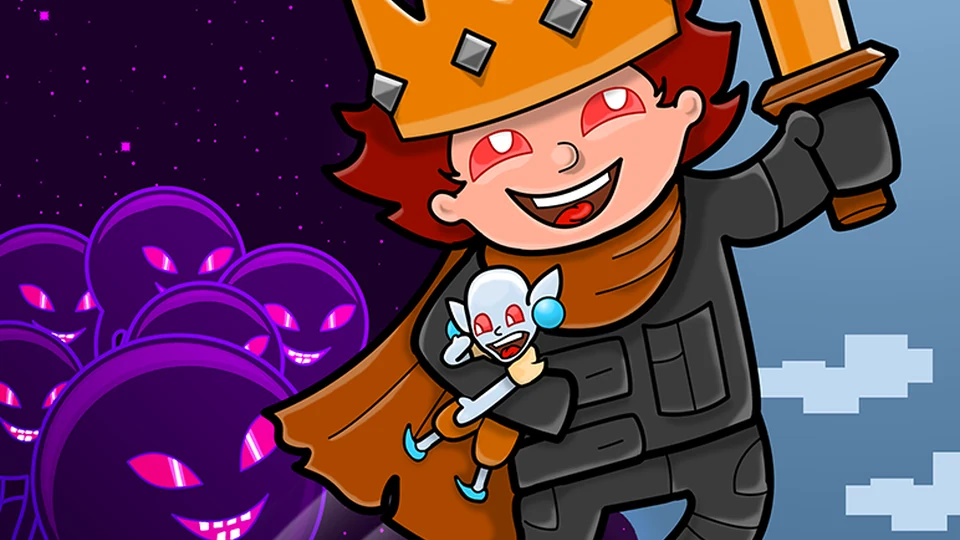
A hermit has lost his son, and the world around him has a much larger problem: a gathering darkness. KingStory puts that search inside a side-scrolling adventure. The little figure on the screen has ground to cover, people to speak to and monsters to face. Its pixel scenery can look quiet for a moment, but the journey gives you reasons to keep going.
Get comfortable with the keys early. Space makes the character jump, while the up arrow handles interaction. That distinction matters when somebody is waiting to speak to you beside a ledge. Stop near them, press up and read what they have to say. Running past a conversation can leave you knowing where the path leads without knowing why you are following it.
Use the opening stretch to judge a jump before trying to hurry through several obstacles together. Look for the next place you can stand, then move towards it deliberately. When the action picks up, that little bit of familiarity is useful. A missed jump is easier to understand if you remember where you took off and which part of the landing you were aiming for.
How to play KingStory
Follow the adventure, confront its monsters and help the hermit search for his missing son.
- Start a game and click inside the player so that it receives your keyboard input.
- Use the left and right arrows to move. Try Space on safe ground to get a feel for jumping.
- Stand near a person or another interaction point and press the up arrow. Read the information before heading onwards.
- Keep an eye on the route ahead as well as the character. Open the menu with Esc when you need a break.
Controls
| Input | Action |
|---|---|
| Left / Right arrows | Run along the ground. |
| Up arrow | Interact. |
| Space | Jump. |
| Esc | Open the menu. |
Click or tap inside the game before using the keyboard. The fullscreen button below the player gives you more room; the restart button reloads the game.
Tips for a better round
- A conversation is a useful reason to slow down. Read it before committing to the next stretch of the journey.
- After missing a landing, work out whether the problem was the take-off position or the jump itself. Adjusting one thing gives you a clearer second attempt.
Questions about KingStory
Why does the up arrow not make me jump?
KingStory uses Space for jumping. The up arrow is the interaction key.
Can I play it with the mouse alone?
Movement and jumping need the keyboard. Click the game first if the arrow keys are scrolling the page instead of moving the character.