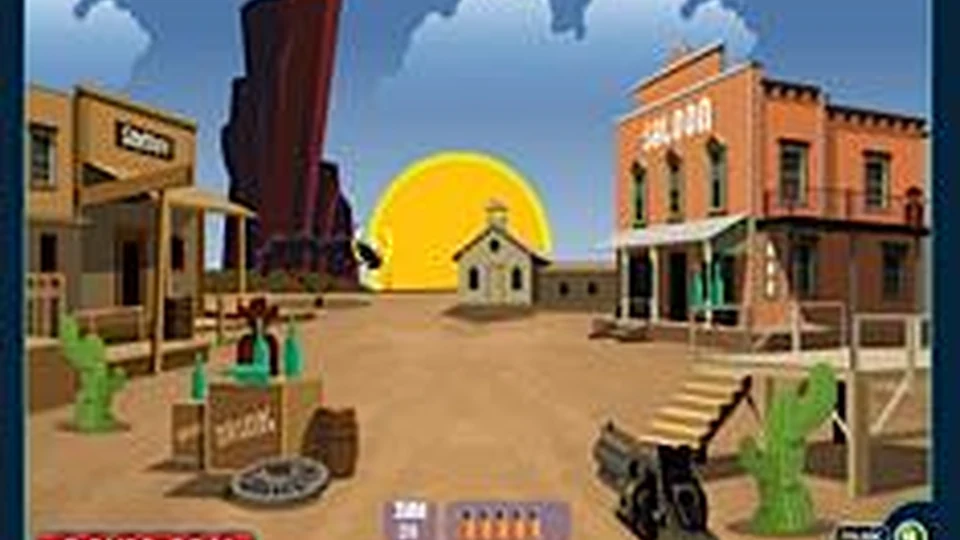
About Cowboys School Game
Cowboy’s School is a shooting-range exercise with a simple demand: be quick without forgetting to aim. Moving targets give you a brief chance to make the shot, and hitting near the centre earns the kind of score you are looking for. You work with the mouse rather than steering a character around a large level.
Reloading belongs to the rhythm of the round. Space reloads the weapon, so an empty gun is a problem you can prepare for instead of a surprise to discover while a good target is passing. During an early attempt, spend as much attention on the target movement and ammunition as on the score. Knowing when a target becomes easy to hit helps more than scattering shots after it has almost disappeared. The recovered file keeps the original Box10 title and shooting-range presentation.
How to Play Cowboys School Game
Score points by hitting moving targets accurately and keeping the weapon ready to fire.
- Choose Start on the original Cowboy’s School menu.
- Move the mouse over a target and click to fire, aiming near its centre when possible.
- Watch the ammunition and press Space when the weapon needs reloading.
- Review the score at the end of the attempt, then replay to improve accuracy and timing.
Controls
| Input | Action |
|---|---|
| Mouse | Aim at targets. |
| Left mouse button | Shoot. |
| Space | Reload the weapon. |
Click or tap inside the game before using the keyboard. The fullscreen button below the player gives you more room; the restart button reloads the game.
Tips for a better round
- A target’s centre is worth a deliberate aim; do not spend every shot on its outer edge.
- Reload during a quieter moment so that the next target does not arrive while the weapon is empty.
Questions About Cowboys School Game
Is this a walking or aiming game?
This version is a mouse-aimed shooting-range game.
How do I reload?
Press Space, as described in the original controls.