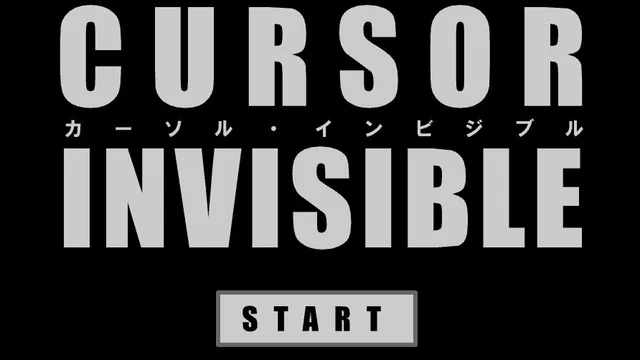
About Cursor Invisible Game
There's a red bar at the foot of the screen and a gray circle waiting to be clicked. Where's the pointer? It's still wherever you left it, which is a much less reassuring answer when you can't see it. One wrong click ends your turn.
The first few tries are a good way to learn what a short movement with your own mouse does. I’d keep my eyes on the last circle for an instant after clicking. It helps to have somewhere specific in mind when you judge the next distance.
How to Play Cursor Invisible Game
Keep hitting the circles before the timer runs out.
- Click Start and pay attention to the spot where your pointer goes out of sight.
- When the circle appears, slide the mouse toward it. Click once you think the pointer is over the circle.
- Keep an eye on the red bar. After a miss or a timeout, start again and see if you can get one circle farther.
Controls
| Input | Action |
|---|---|
| Mouse movement | Position the invisible pointer. |
| Left click | Hit the target or choose Start. |
Click or tap inside the game before using the keyboard. The fullscreen button below the player gives you more room; the restart button reloads the game.
Tips for a better round
- If the next circle is just above the last one, a small move straight up is easier to track than a big swing.
Questions About Cursor Invisible Game
Can I bring the cursor back in the middle of a round?
The pointer is hidden during play. Aim by remembering your last position.
What happens when I miss?
Your turn ends, even if there is still time on the bar.