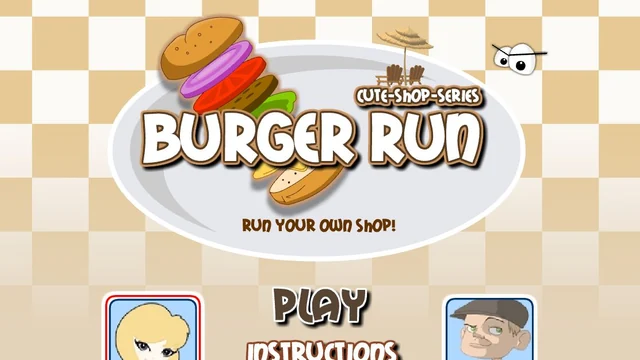
About Burger Run Game
There's a row of ingredients in front of you and a picture of the burger you're supposed to make. Take a second to work out what's between the buns. Getting all the right ingredients still leaves room for a mix-up if you put them in a different order.
The small orders are your chance to learn where each ingredient sits on the counter. When a taller burger comes up, I read it from the bottom and pick out the first few layers before moving to the next. Going back to the picture for a second is easier than trying to remember the whole stack.
How to Play Burger Run Game
Build each customer's burger to match the picture before the time runs out.
- Open Instructions to see the ingredient tray, then choose Play.
- Look at the requested burger and work up from the bottom. Click the matching ingredient in the tray for each layer.
- Check the new order as it appears. A familiar burger can have one layer changed, so take a quick look before you start.
Controls
| Input | Action |
|---|---|
| Left click | Pick an ingredient from the tray or choose a menu option. |
Click or tap inside the game before using the keyboard. The fullscreen button below the player gives you more room; the restart button reloads the game.
Tips for a better round
- Find the cheese, onion and sauce on the tray before you try to rush through an order. It's easy to reach for the wrong spot when you're looking only at the customer.
Questions About Burger Run Game
Can I put the toppings in any order?
Build from the bottom up in the order shown above the customer.
What if I pick the wrong ingredient?
Use Reset at the counter to clear your current stack and start over.