About Darkness 2 Game
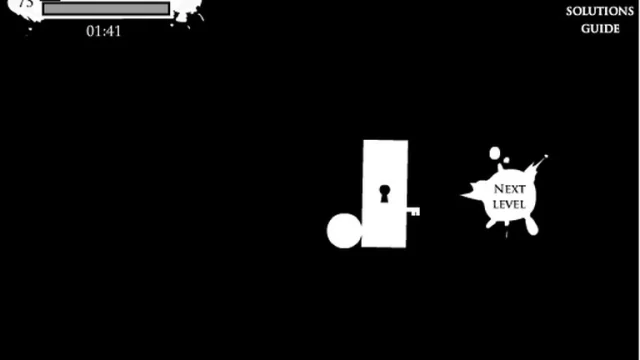
I spent the first room clicking into the dark just to see what would happen. A white patch appeared where there had seemed to be nothing. That's what makes Darkness 2 work. You can see your character clearly enough, but you only get little pieces of the room at a time.
Some of my shots hit a surface I wasn't looking for. Those are often worth following up with another throw. When the paint shows the lip of a ledge, I try to mark what's beyond it before I jump. You can see the paint count tick down as you go.
How to Play Darkness 2 Game
Use the paint to find the route to the next level.
- Start the game and steer the little white character toward the marked exit in the first room.
- Click ahead of the character and watch where the paint lands.
- Use the marks to work out where you can move. Aim somewhere new if you still can't see how to reach the exit.
Controls
| Input | Action |
|---|---|
| WASD or arrow keys | Move the white character. |
| Mouse click | Send a paintball in the direction of the pointer. |
Click or tap inside the game before using the keyboard. The fullscreen button below the player gives you more room; the restart button reloads the game.
Tips for a better round
- Before jumping into an unmarked area, throw a shot just below where you expect to land.
Questions About Darkness 2 Game
Do I need both hands for the controls?
Use one hand for the movement keys and the other for aiming and throwing with the mouse.
What is the white paint for?
It shows you the surfaces it hits.