About Spaz Jetter Game
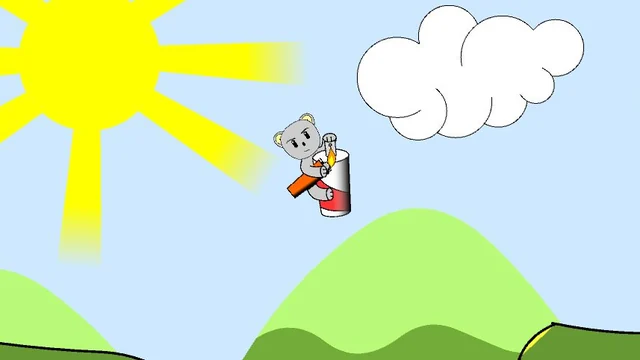
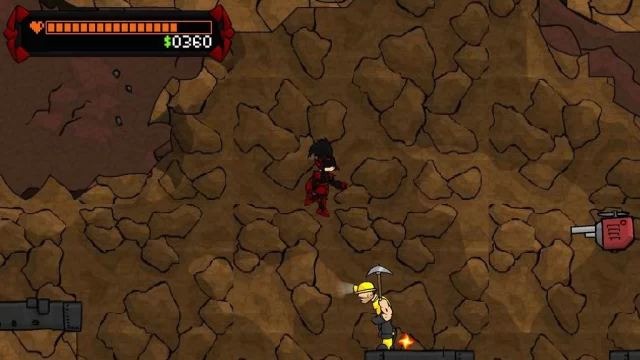
The candy store has been robbed and Spaz's partner has been taken. The culprit wears a top hat, which at least gives you something distinctive to look for. Spaz comes prepared with a jetpack and the ability to shoot energy from his fingers. You'll use the jump and jet controls separately, so it's worth getting used to both before you try to cross a gap while firing.
How to Play Spaz Jetter Game
Chase the robber through the levels and deal with anything that gets in your way.
- Use the arrow keys to move or duck. Press S to jump, and use A when you want the jetpack.
- Press D to fire. F switches weapons, so try it when you have enough room to spare a glance at what you're using.
- Bring up the Options menu if the default arrangement puts the keys in an awkward place for you.
Controls
| Input | Action |
|---|---|
| Arrow keys | Move or duck. |
| A | Use the jetpack. |
| S | Jump. |
| D | Fire. |
| F | Switch weapons. |
| P | Pause. |
Click or tap inside the game before using the keyboard. The fullscreen button below the player gives you more room; the restart button reloads the game.
Tips for a better round
- Take a moment on safe ground to try a jump followed by a burst from the jetpack. Once the keys feel familiar, it's easier to keep your attention on where you're about to land.
Questions About Spaz Jetter Game
Can I change the controls?
Yes. The Options menu lets you change the default keys.
Where is the pause button?
Press P with the game in focus.