About Balbodro Game
Your mouse draws a selection rectangle. The balls inside it gain gravity and start falling towards the bottom of the board. You can select a single ball or catch several in the same rectangle. That makes the timing of the selection just as useful as its size.
Look at the boxes below before choosing the balls above. A ball that's almost over the target may be a better choice than a big group on the wrong side of the screen. The goal is to clear every box. The timer keeps running while you work, so you can return to a stage and try a quicker way through it.
How to Play Balbodro Game
Remove the boxes by dropping matching balls onto them.
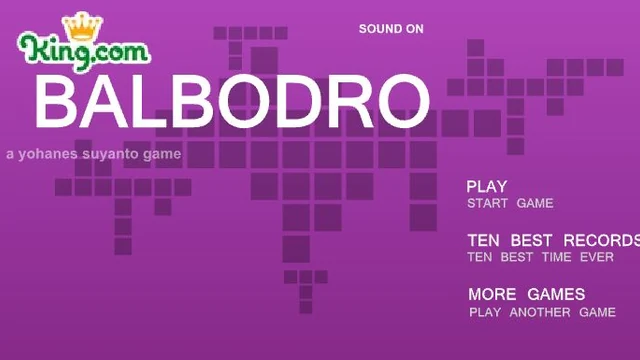
- Choose Play from the main menu and select a stage.
- Hold the mouse button and drag across the playfield to make a rectangle around one or more balls.
- Release the button to drop your selection. Keep choosing balls until all the boxes have been cleared.
Controls
| Input | Action |
|---|---|
| Mouse movement | Position the start of your selection. |
| Left-button drag | Draw a rectangle around the balls. |
| Release the mouse button | Let the selected balls fall. |
| Reset button | Replay the current stage. |
Click or tap inside the game before using the keyboard. The fullscreen button below the player gives you more room; the restart button reloads the game.
Tips for a better round
- Start with a small rectangle near a target. Once you see how the selected balls fall, you'll have a better idea of when a larger group will be useful.
Questions About Balbodro Game
Can I drop several balls at once?
Yes. Drag a rectangle that covers more than one ball.
How do I complete the stage?
Clear all the boxes by making balls of the matching colour fall onto them.