About 1066
1066 takes place on two screens. On one, you pick orders for your army. On the other, those orders turn into a battle and the game asks you to help. That second part can catch a new player out. Sending archers into action still leaves you with a bow to aim, while a charge asks you to hammer Space to build its power.
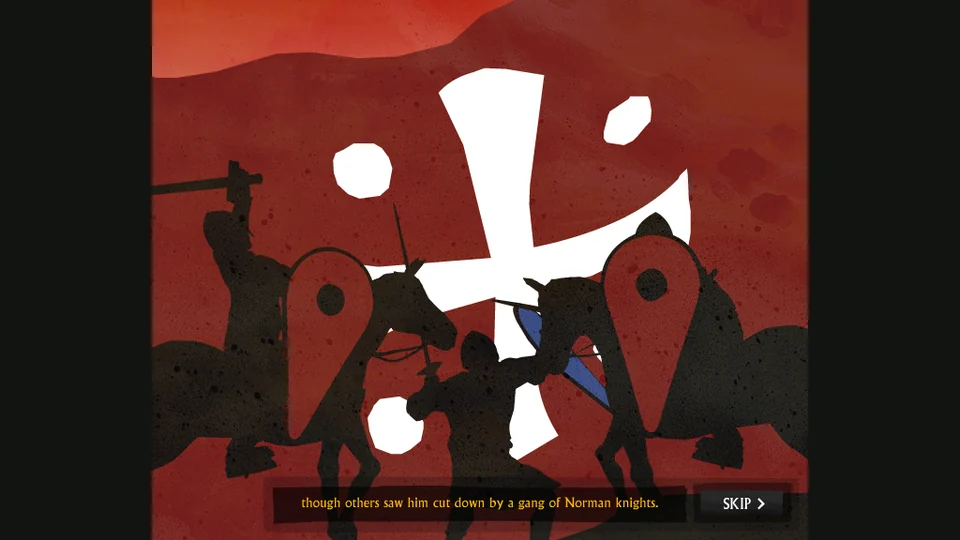
The armies are English, Viking and Norman. Channel 4 commissioned the game from Preloaded for its programme about the battles of 1066, and the developer brought in Ian Holm to narrate the animated scenes. Soldiers appear as dark silhouettes against coloured skies. Blood splashes across the picture when the fighting goes badly.
A retreat counts, too. The goal includes scaring enemy soldiers off, so keep reading the army morale panel. If a taunt challenge comes up, type the insult on the screen as quickly as you can. It may seem an odd thing to be doing in a war game, but those words can rattle the other force. Chants and leadership also matter to the troops' nerve.
How to play 1066
Defeat the opposing army by killing its soldiers or driving them to retreat through loss of morale.
- Open How to Play before the battle. Several encounters have their own controls, and it helps to know what each prompt wants.
- Pick a unit and an order. When moving, choose a space inside the highlighted range for that unit.
- Use Execute Commands to put the orders into action. Stay ready for the switch to the battle view.
- Aim and release arrow volleys with the mouse. Follow the arrow prompts in close combat, tap Space for a charge and type the words shown for a taunt.
- Look at surviving troops and army morale after the round. Plan the next orders from the situation left on the field.
Controls
| Input | Action |
|---|---|
| Mouse | Select units, orders and destinations. |
| Click and drag, then release | Set the power and angle of an archery attack. |
| Arrow keys | Follow the timed prompts during close combat. |
| Space, tapped repeatedly | Build charge power when the charge challenge appears. |
| Keyboard typing | Enter the displayed insult during a taunt. |
Tips for a better round
- Different units have different movement ranges. Check the highlight for the unit you have actually selected before making a plan around a distant position.
- A quick input belongs to its own challenge. Wait for the prompt instead of continuing to press the key used in the previous encounter.
Questions about 1066
Why does aiming matter after I have given the archers an order?
The order starts their action. You then set the volley's power and angle in the archery challenge.
Must the entire opposing army be killed?
No. The objective also allows frightening soldiers into retreat. Watch morale as well as the number of troops left.