About Storm Truck Game
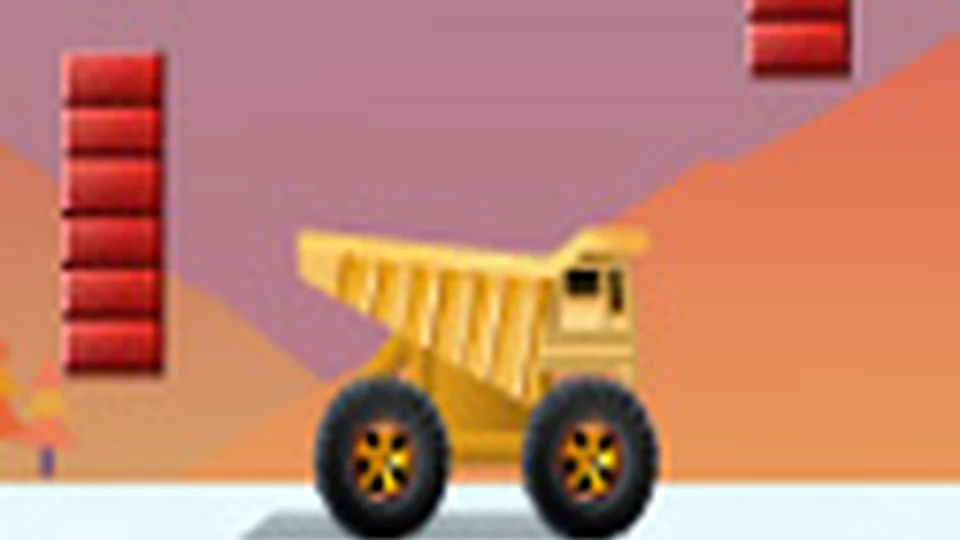
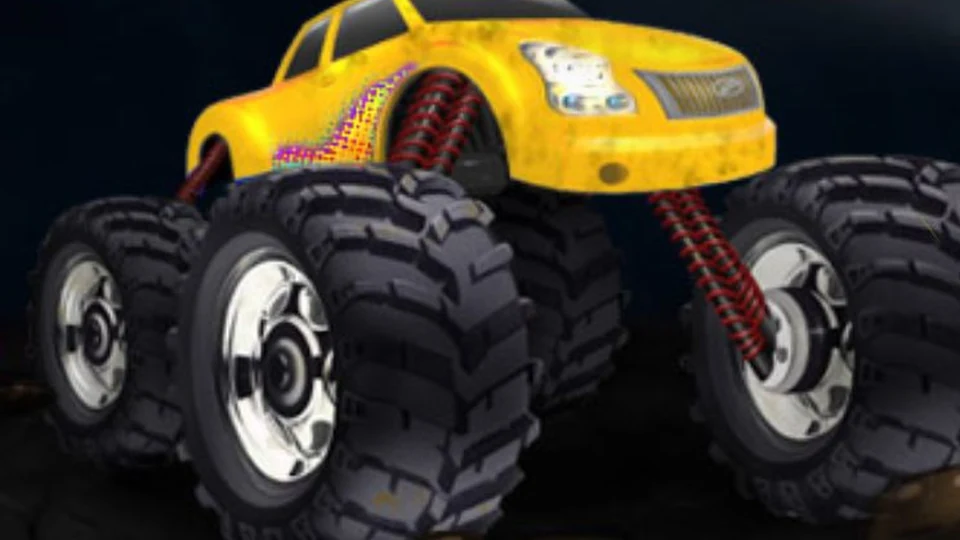
The yellow truck on the title screen has tyres almost as tall as its cab. That should tell you what sort of drive Storm Truck has in mind. There is rough ground ahead, with coins to collect along the way. Keeping the wheels underneath you matters more than holding the accelerator down for the whole trip. A good run needs a little restraint as well as speed.
The arrow keys do more than send the truck forwards. Left and right rotate it, which gives you a way to correct its angle when the ground falls away. Watch the cab as you go over an obstacle. A small correction made early is easier to judge than a desperate swing just before landing. The down arrow moves backwards, so you can adjust your approach instead of trying to force every awkward position into a forward jump.
There are two extra controls to remember: Space jumps and N activates nitro. They solve different problems. A jump can help with an obstacle, while a burst of speed asks for somewhere safe to put the truck afterwards. Look beyond the coin you are chasing before using either one. This is the older GameBusted and AGame driving game, with its original menus and oversized yellow monster truck. It is a keyboard game; the Help panel is worth opening before the first drive, particularly if you are used to left and right steering a car around a flat track. Here those keys change the angle of the vehicle.
How to Play Storm Truck Game
Drive across the stormy course, collecting coins while keeping the truck under control.
- Choose Help on the title screen to see the original keys, then return to the main menu and select Start.
- Use Up to accelerate. Get a feel for the truck before adding jumps or nitro.
- Use Left and Right to correct its angle over uneven ground.
- Collect the coins along the route without losing sight of the next landing.
- Use Space for a jump and N for nitro when the route ahead makes them useful. Down moves the truck backwards if you need to adjust your approach.
Controls
| Input | Action |
|---|---|
| Up arrow | Accelerate. |
| Down arrow | Move backwards. |
| Left and Right arrows | Rotate the truck. |
| Space | Jump. |
| N | Use nitro. |
Click or tap inside the game before using the keyboard. The fullscreen button below the player gives you more room; the restart button reloads the game.
Tips for a better round
- Watch the angle of the cab before landing. The position of the wheels matters more than collecting one awkward coin.
- Try the normal acceleration first. Adding nitro before you know the next stretch makes it harder to judge what caused a bad landing.
- Make small rotation adjustments. Holding a direction for too long can turn a manageable bump into a much bigger correction.
- Remember that reverse is available. A different approach can be more useful than another jump from the same poor position.
Questions About Storm Truck Game
Do the left and right arrows steer around corners?
The original Help panel describes these keys as truck rotation. Use them to control the angle of the vehicle.
Which key makes the truck jump?
Press Space to jump. Nitro has its own key, N.
Can I play using only a mouse?
The driving controls shown in the game use the keyboard. The mouse selects the menu buttons.