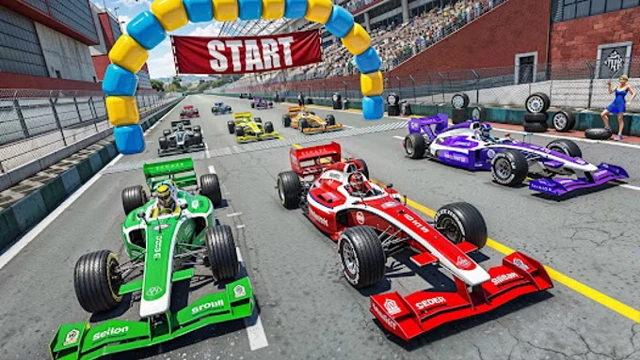
About APEX Formula
There is quite a lot to choose before you drive in APEX Formula. Pick a driver, choose a circuit, and set up the session. The teams and drivers have fictional names; this is an open-wheel racer with its own grid rather than a licensed Formula 1 game.
We tried Quick Race at Kingsmere with automatic gears. The car pulls away readily, but arriving at a bend too quickly soon puts it off the road. Backspace gets you out of a bad position. That makes it possible to practise a troublesome corner without restarting the whole game every time you miss it. You can sort out the extra switches later. For now, find the next corner before it finds you.
How to play APEX Formula
Complete your race or improve your own time. For the first drive, a clean lap is a perfectly good target.
- Choose Quick Race for a race session or Time Trial to practise. Select a driver and circuit, then read the session settings before starting.
- Use W to accelerate and S to brake. Slow down on the straight before you turn; trying to do everything at once is harder.
- Turn with A and D. Ease the steering back as you leave the corner, then build speed again.
- Use Backspace if you get stuck off the road. Escape opens the pause menu when you need a break or another attempt.
Controls
| Input | Action |
|---|---|
| W / S or Up / Down | Accelerate / brake. |
| A / D or Left / Right | Steer. |
| Backspace | Reset the car on track. |
| Escape; C | Pause; change the camera. |
| E / Shift; Q / Ctrl | Shift up; shift down in manual gears. |
| Space; R | DRS; ERS when available. |
Click or tap inside the game before using the keyboard. The fullscreen button below the player gives you more room; the restart button reloads the game.
Tips for a better round
- Choose automatic gears to begin with. There is enough to learn about the track without also remembering when to change gear.
- Use something beside the track as a braking marker. Move your braking point back if the car keeps running wide.
Questions about APEX Formula
Which camera should I use?
Press C and try the available views. Keep the one that makes the next bend easiest for you to read; changing the view does not change the circuit.
Can I drive on a phone?
This build is best played with a desktop keyboard or compatible controller. It does not provide a complete phone driving layout.
The car is not taking my keyboard input. What should I try?
Click once inside the game, away from the site search box, then try W again. If you are still in a menu, finish the driver, circuit and session choices first. The car cannot pull away while you are choosing a session.